READ, EDIT AND REPAIR
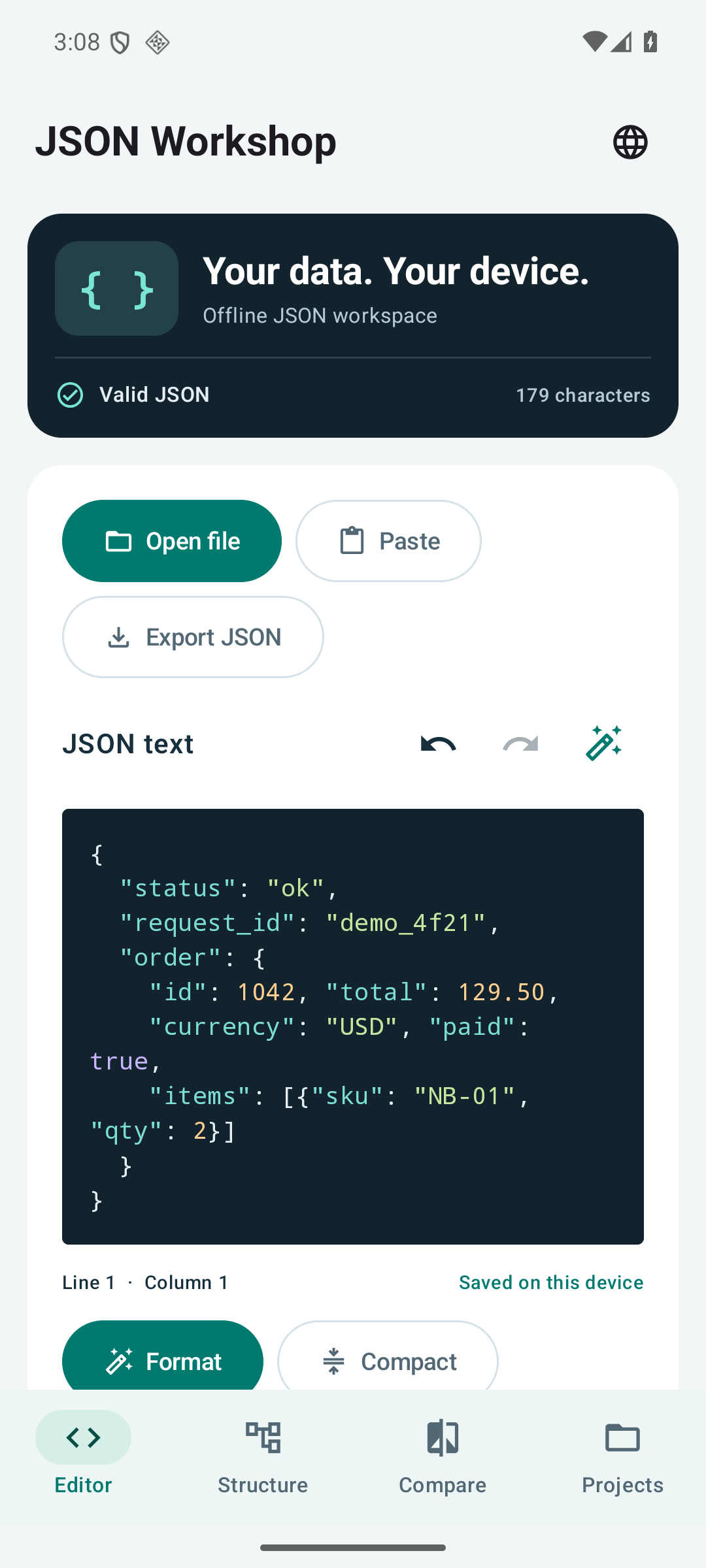
Open a UTF-8 file or paste JSON. Read syntax colors, format compact text, or minify it for export. Validation explains syntax problems with a line and column; jump to the error to make your correction.
 JSON WORKSHOP
Inspect an API response, update a configuration file, or check what changed between two JSON exports—right on your phone. JSON Workshop brings code editing, a navigable tree and document comparison into one offline workspace.
See Google Play for the price in your country. Prices and availability may vary.
Pay once for all included features. No ads, account, subscription or in-app purchases. JSON processing happens on your device.
01 / JSON WORKSHOP
Open a UTF-8 file or paste JSON. Read syntax colors, format compact text, or minify it for export. Validation explains syntax problems with a line and column; jump to the error to make your correction.
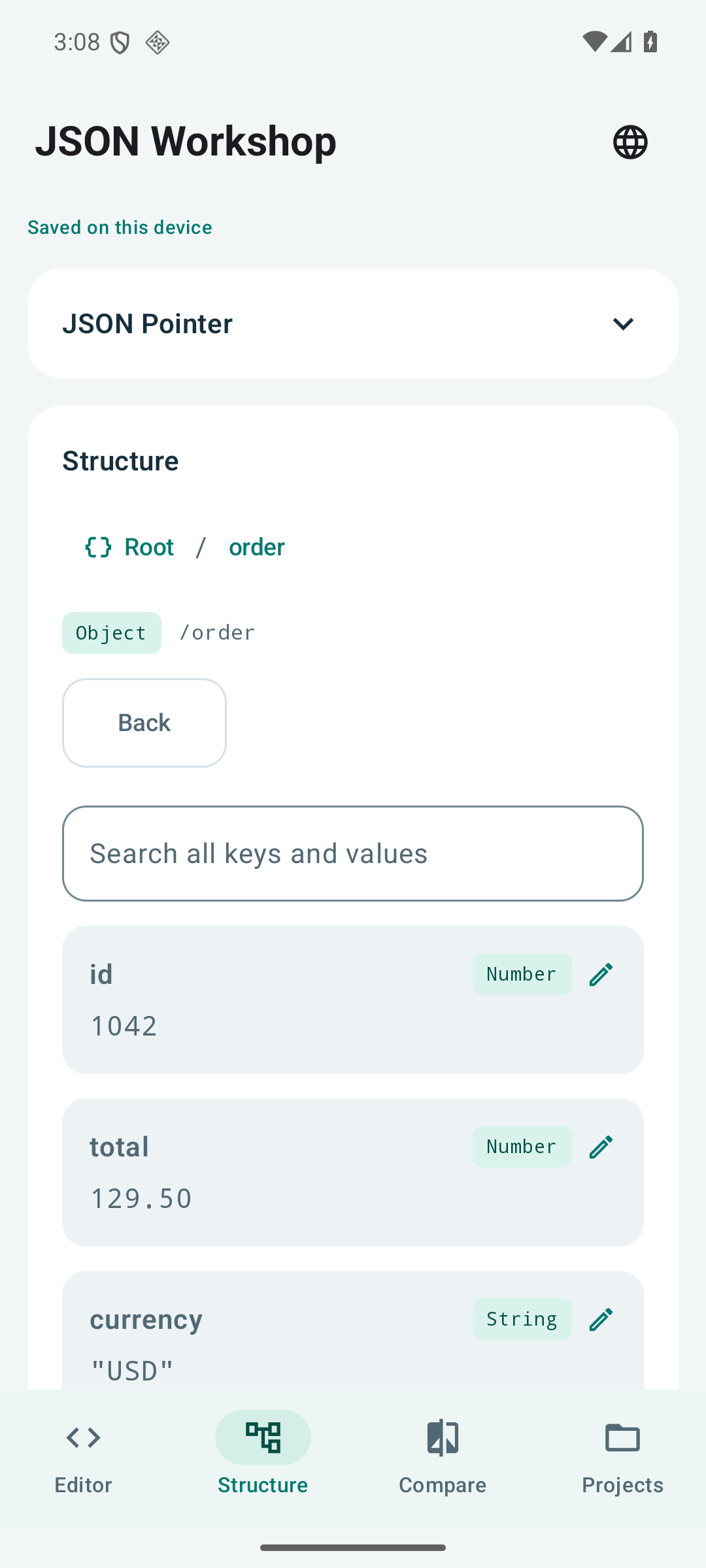
Browse objects and arrays with type labels and breadcrumbs. Search keys and values across the document. Add, duplicate or remove values, sort object keys, and copy a value or its JSON Pointer.
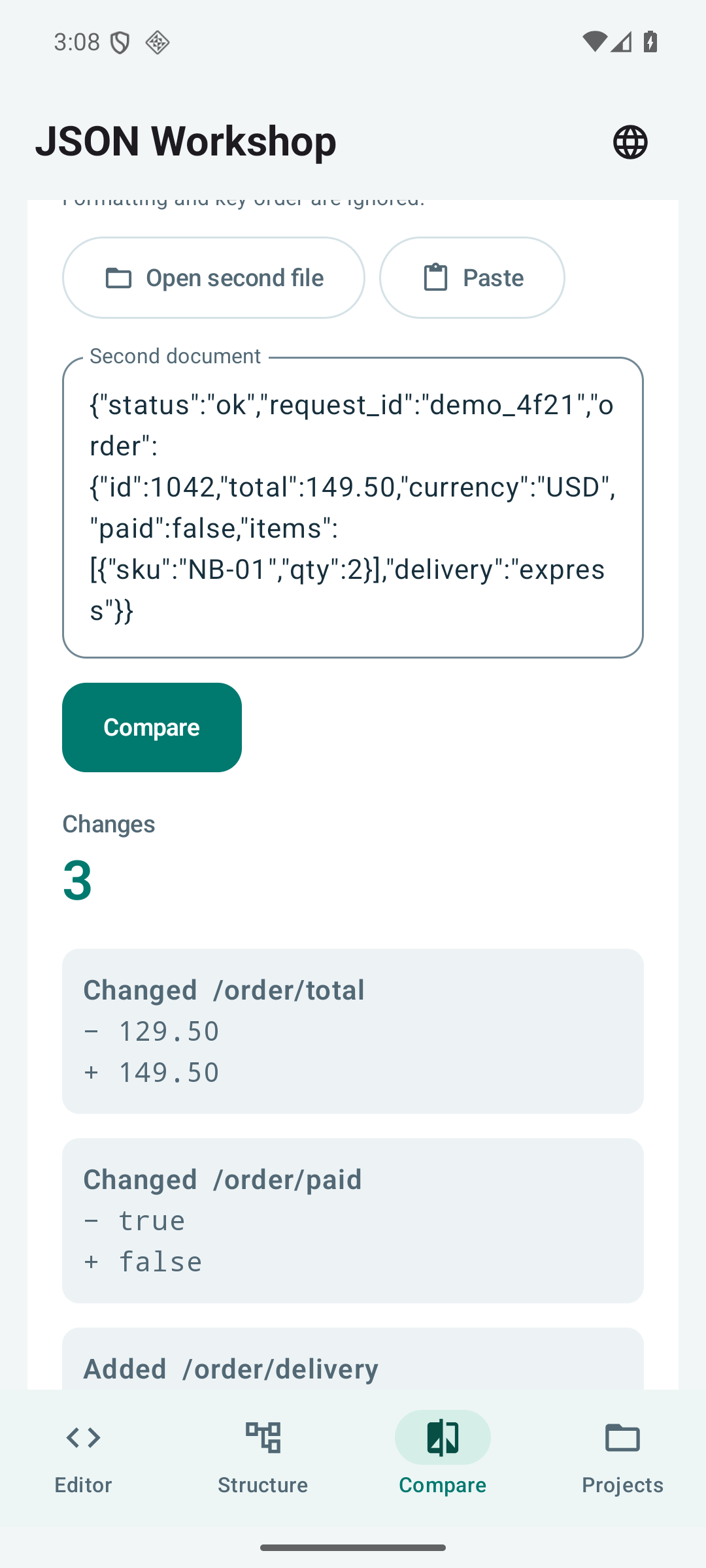
Compare two documents for added, removed and changed values. Formatting and object-key order are ignored. Export a CSV difference report for further review.
Continue from a locally saved draft. Undo and redo recent changes, including incomplete text. Save JSON or an unfinished draft through Android’s file picker, or share valid JSON with another app.
02 / JSON WORKSHOP
A real JSON Workshop 1.2.0 recording with fictional API data. Waiting intervals are cut; operations play at their original speed. Narration is AI-generated.
Choose from 10 subtitle languages in the player. Audio and recorded interface are English or Japanese. Explanatory captions are also visible in the recording.
03 / JSON WORKSHOP 1.2.0
Unretouched 1.2.0 app screens with fictional sample data. English screens are shown here; the app itself supports all 10 languages.
Open full-size image ↗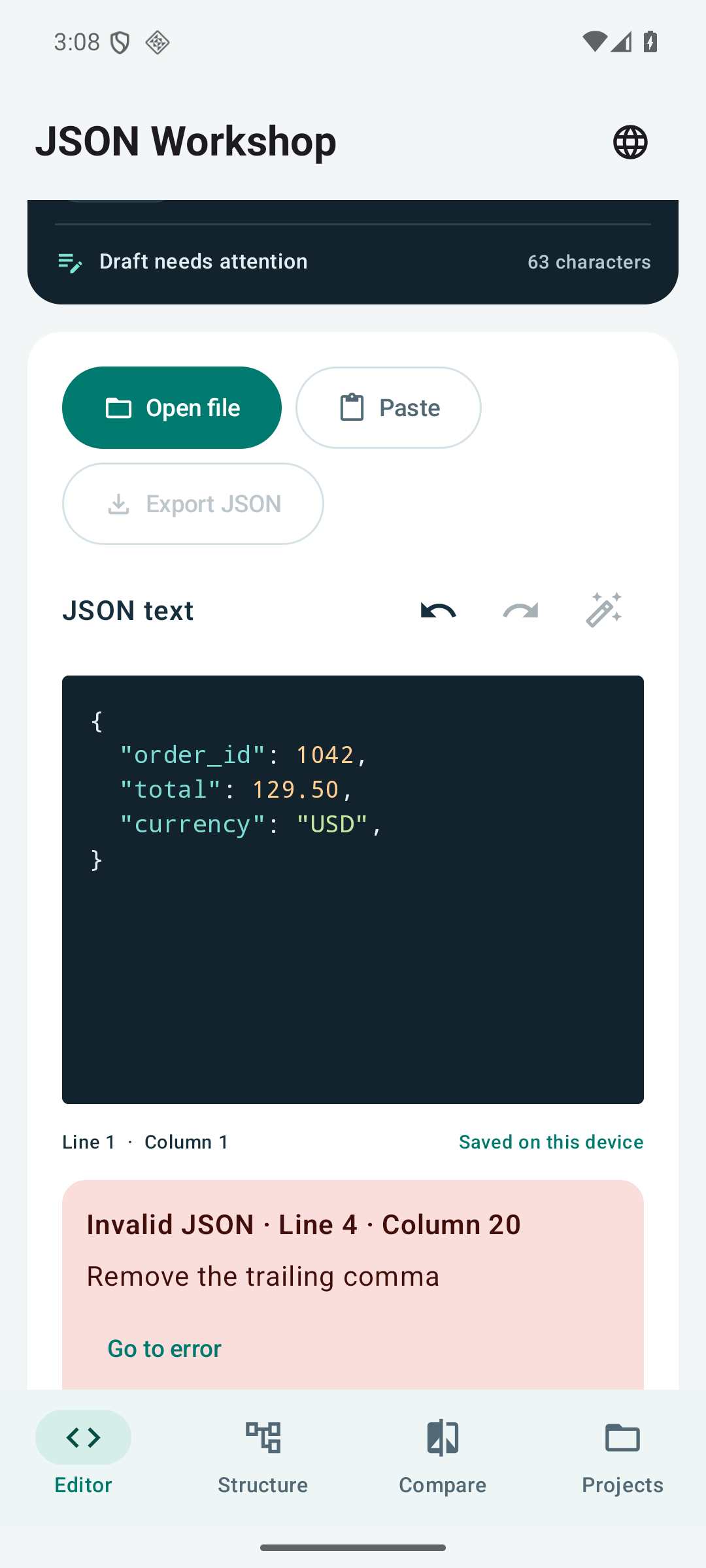 Open full-size image ↗
 Open full-size image ↗
 Open full-size image ↗
04 / JSON WORKSHOP
Each document supports up to 500,000 UTF-16 code units. UTF-8 file imports support up to 2,000,000 bytes (2 MB), within the same text limit. Syntax colors are available up to 80,000 code units; larger documents remain editable as plain text. Search and comparison show the first 1,000 results. Standard JSON is supported.
Version 1.2.0 supports standard JSON. JSONC, JSON Schema validation, JSONPath/JMESPath queries, API requests, multiple document tabs and cloud sync are not included. Export destinations and other apps you select have their own data policies.
Available in English, Japanese, German, French, Spanish, Brazilian Portuguese, Italian, Dutch, Korean and Traditional Chinese.
Edit, format and compare JSON offline. Find errors and explore each value.